01 / TIMER
Simple Meditation Timer
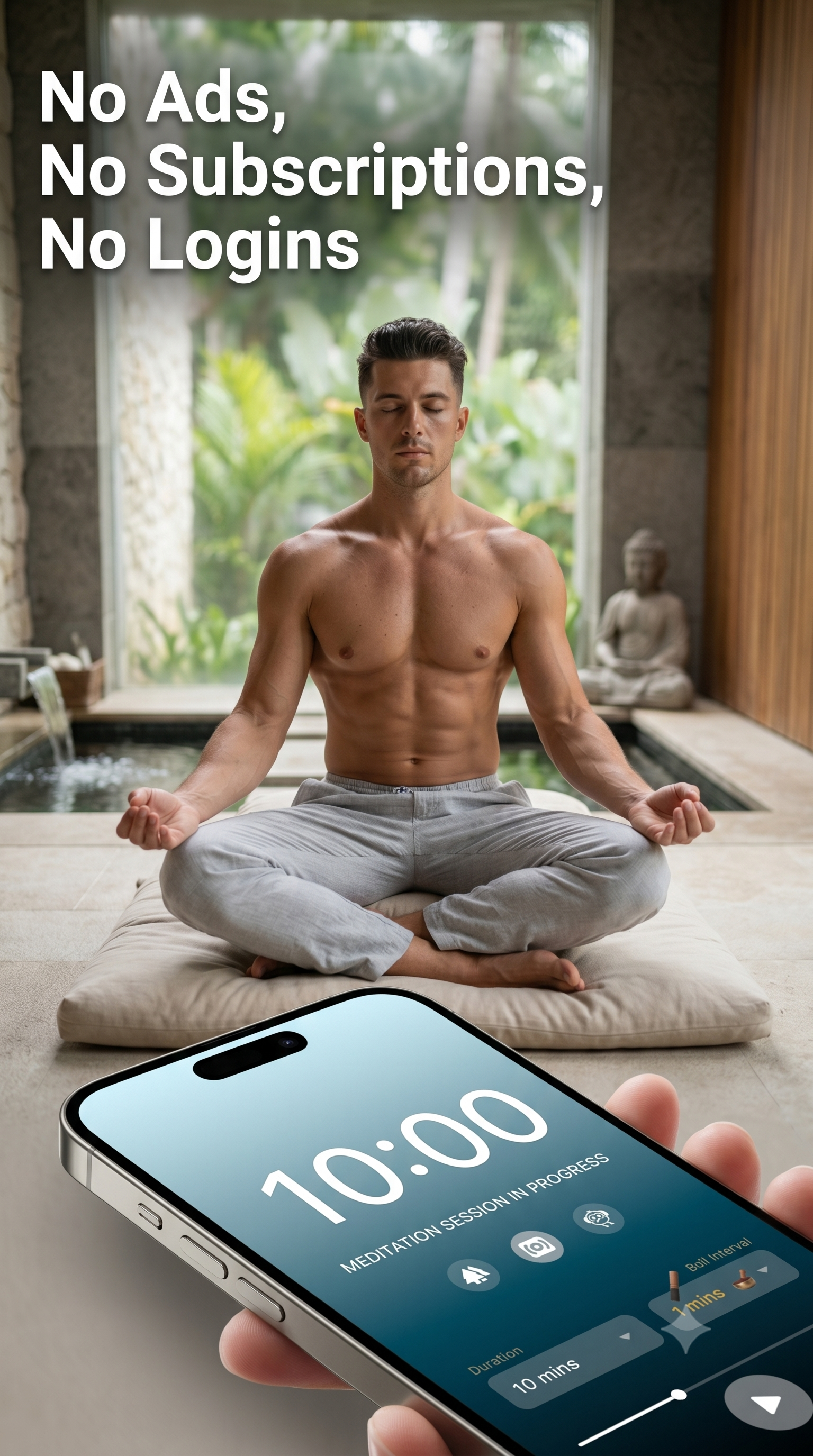
Choose your session length and let the timer quietly guide the beginning and end of your practice.
 MEDITATION BELL TIMER
A beautifully simple meditation bell timer app with gentle Zen bells, calming sounds and flexible sessions for meditation, mindfulness, sleep, focus and quiet moments. Set your time, choose your sound and let the screen disappear.

Meditation Bell Timer was created around a simple idea: give you a reliable meditation timer, beautiful sounds and gentle bells — then get out of the way.
No social feed. No complicated programme. No account to create. Just a calm space for meditation, mindfulness, sleep, study, relaxation and quiet focus.
A focused collection of tools for meditation, mindfulness, relaxation, sleep, study and quiet concentration.
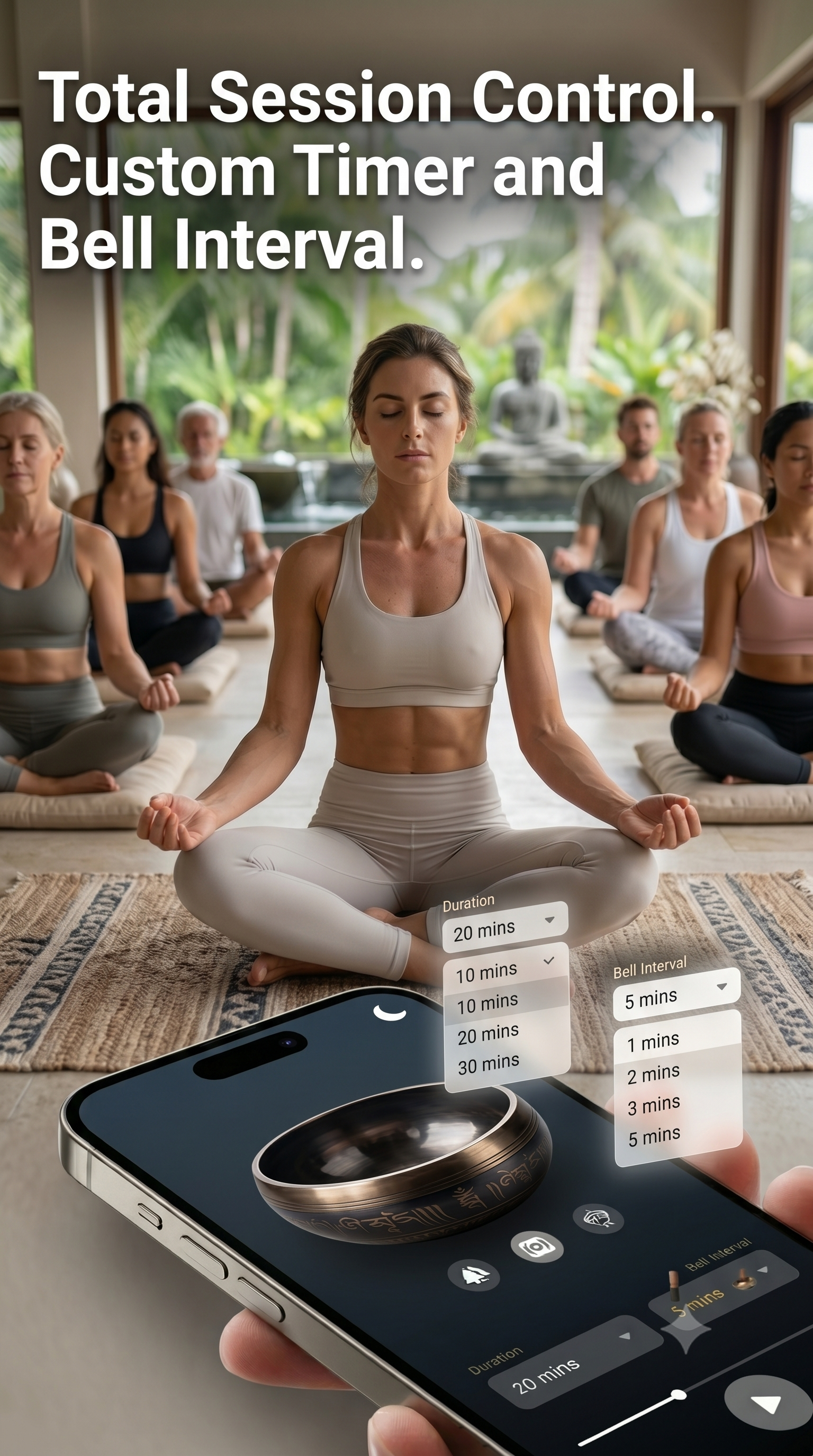
Choose your session length and let the timer quietly guide the beginning and end of your practice.
Set recurring Tibetan bell intervals to mark points throughout your meditation without watching the clock.
Choose rain, waves, nature, Brown Noise, singing bowls, Om and other atmospheric sounds to suit your session.
Use the deep-black interface and Black Screen mode when you want your phone to fade into the background.
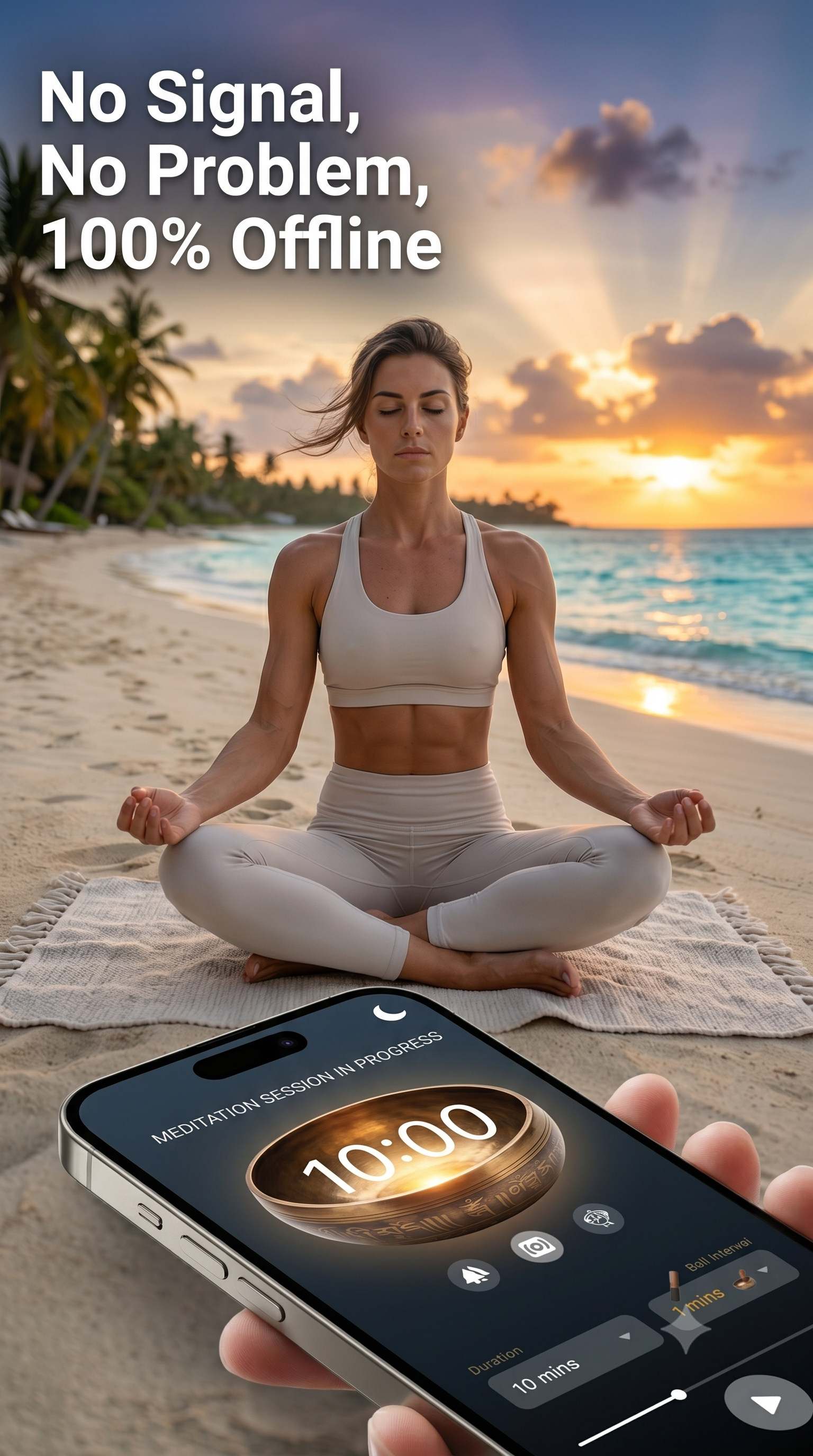
The app is designed for offline use, so your session does not depend on streaming or a signal.
No social feed, no account requirement and no complicated wellness programme between you and your practice.
Use the free web timer or explore the Android app when you want the complete experience.
Meditation Bell Timer is built around a straightforward approach: useful tools, a quiet interface and no need to turn meditation into another subscription service.
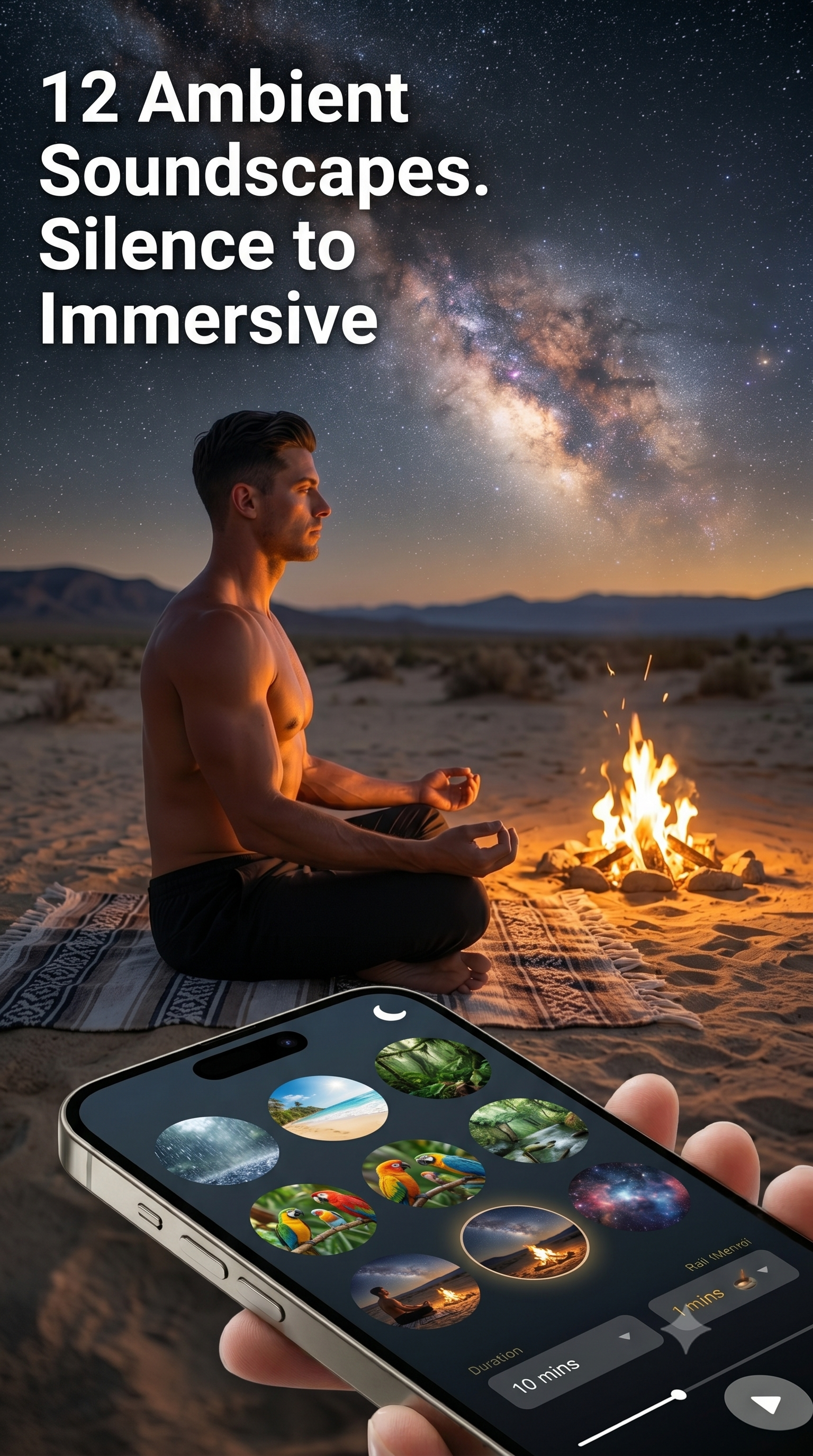
Start with silence and a bell, or choose an immersive atmosphere for meditation, focus, relaxation or sleep.
Long resonant tones inspired by traditional singing bowls.
A steady rainfall atmosphere for relaxation, focus and sleep.
Rhythmic ocean ambience for meditation and quiet listening.
A rich natural atmosphere inspired by the sounds of the forest.
A gentle outdoor atmosphere for mornings and mindful moments.
A continuous vocal ambience for meditation and quiet reflection.
Warm crackling ambience for evening relaxation and reading.
A nostalgic rhythmic ambience with a gentle mechanical character.
A warm summer-night ambience for relaxation and sleep.
A spacious atmospheric drone for concentration and quiet listening.
A deep, steady background sound for focus, study and relaxation.
Keep the environment quiet and use gentle bells to mark your session.
The interface is deliberately simple so the app can become part of your routine without becoming the centre of it.



No courses to complete. No social feed. No complicated setup.
Select the timer duration that suits your practice, whether that's a short reset or a longer session.
Start with silence and a Tibetan bell, or choose from rain, waves, nature, Brown Noise and other sounds.
Use the distraction-free interface or Black Screen mode and let the timer quietly do its job.
No download required. Open the web timer, choose your duration and begin.
A meditation timer can be useful far beyond a traditional meditation cushion.
Create a quiet space for unguided meditation, breathwork, mindfulness or personal reflection.
Choose a calming soundscape, set a timer and use the dark interface without a bright screen dominating the room.
Use the timer with silence, Brown Noise or atmospheric sounds to create a focused working environment.
Learn more about meditation timers, soundscapes, focus, sleep and the traditions behind some of the sounds in our apps.
A practical guide to choosing a duration, setting bells and building a simple meditation routine.
Read the guide →Explore rain, waves, Brown Noise, singing bowls and other sounds that can form part of a quiet nighttime routine.
Explore sleep sounds →Learn how Brown Noise can be used as a steady background sound for study, work and focused sessions.
Explore Brown Noise →Explore practical session lengths and ways to make a meditation timer part of a sustainable routine.
Read the guide →Combine focused work periods with intentional pauses using simple timing principles.
Explore the method →Discover the sound, history and listening traditions behind Tibetan singing bowls.
Learn more →Different tools for different moments — from simple meditation timing to frequency listening and fully custom sound baths.
Explore our Android meditation apps for meditation timers, Zen bells, Solfeggio frequencies and custom sound baths.
Our original minimalist meditation timer, combining custom session timing, Tibetan bells and immersive ambient soundscapes.
Explore a dedicated collection of Solfeggio frequencies, including the traditional scale alongside 432 Hz, 4 Hz Delta and 40 Hz Gamma.
Build your own sound bath by combining frequency audio with calming ambient soundscapes and controlling the two layers independently.
Meditation Bell Timer is a simple meditation timer app for meditation, mindfulness, focus, study, relaxation and sleep. It combines timed sessions with Tibetan bell sounds, interval chimes and immersive ambient soundscapes.
Yes. The app is designed without requiring an account or social profile, keeping the experience simple and private.
Yes. Meditation Bell Timer is designed for offline use, making it useful when you want your meditation session to remain free from connectivity issues.
The sound library includes Tibetan bells, Tibetan singing bowls, rain, ocean waves, Brown Noise, rainforest ambience, birds, Om chant, campfire, steam train, evening cicadas and deep space ambience.
Yes. You can configure recurring bell intervals so a gentle Tibetan bell can mark points throughout your session.
Yes. The website includes a free web meditation timer. You can open it from the Free Timer link in the navigation or start directly from the homepage.
Yes. The Meditation Bell Timer collection also includes Solfeggio Frequencies Healing and Sound Bath Zen. Each app has a different focus while sharing the same minimalist approach to digital wellness.
Set your time. Choose your sound. Set your bell interval. Press start — then put your phone down.